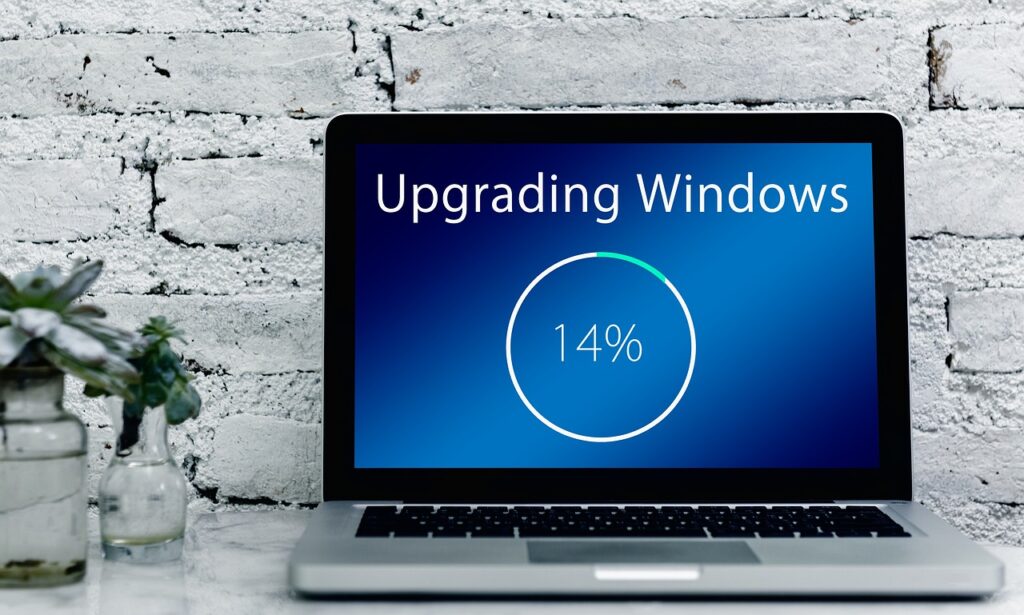

Microsoft has begun the public rollout of the Windows 11 26H2 operating system update. Known as the “2026 Update”, it is delivered to systems running versions 24H2 and 25H2 via an enablement package—a tiny activation package that eliminates the need for a full upgrade process and requires only a single quick reboot.
Activation Instead of Lengthy Reinstallation
The seamless transition to version 26H2 without long waiting times is made possible by prior technical groundwork: the system components were already delivered to PCs via earlier servicing updates and stored in a dormant state. The enablement package now simply turns these features on. Technically, 26H2 continues to be based on the Germanium platform, but moves from the 26200 branch to the 26300 development branch.
According to Microsoft, there are no known compatibility issues with the update. The rollout is proceeding in staggered waves. If discrepancies are detected on specific hardware or software configurations, the company will apply safeguard holds—temporary upgrade blocks that prevent deployment to affected systems.
Changes to the Start Menu and File Explorer
Windows 11 26H2 does not introduce major visual overhauls or UI changes. Instead, the update primarily consolidates features that Microsoft has gradually introduced over the past twelve months. These include minor enhancements to the Start menu and adjustments in File Explorer. Some features that were still disabled by default in 25H2 are now enabled out of the box in 26H2.
For enterprise users, version 26H2 introduces two new defaults: the “Point-in-time Restore” feature, which requires a system partition of at least 200 GB, and “Windows Settings Backup” (formerly “Windows Backup for Organizations”). The release is available to enterprise customers via the Microsoft 365 admin center and Windows Autopatch. However, reports indicate that there is no direct upgrade path from the interim version 26H1 to 26H2.
Support Timelines and Key Dates
The release of 26H2 also resets the support lifecycle: consumer and commercial editions (Home and Pro) will receive security updates for 24 months, reaching end of support in October 2028. Enterprise and Education editions will be supported for 36 months, through approximately October 2029.
The update is particularly relevant for users on older Windows 11 builds: official support for Windows 11 24H2 Home and Pro editions ends on October 13, 2026. However, users do not necessarily need to intervene manually; the update will be offered progressively via Windows Update as each system becomes eligible and provided no safeguard holds are in place.
Sources: Borncity.com