Microsoft is working on a new recovery feature for Windows 11 that allows the operating system to be reinstalled directly over the internet. In experimental build 26340.9502, released on September 18, 2026, the company is augmenting its repair mechanisms with a hardware-based sanitization method for sensitive data.
Hardware-Based Data Sanitization Before Reinstallation
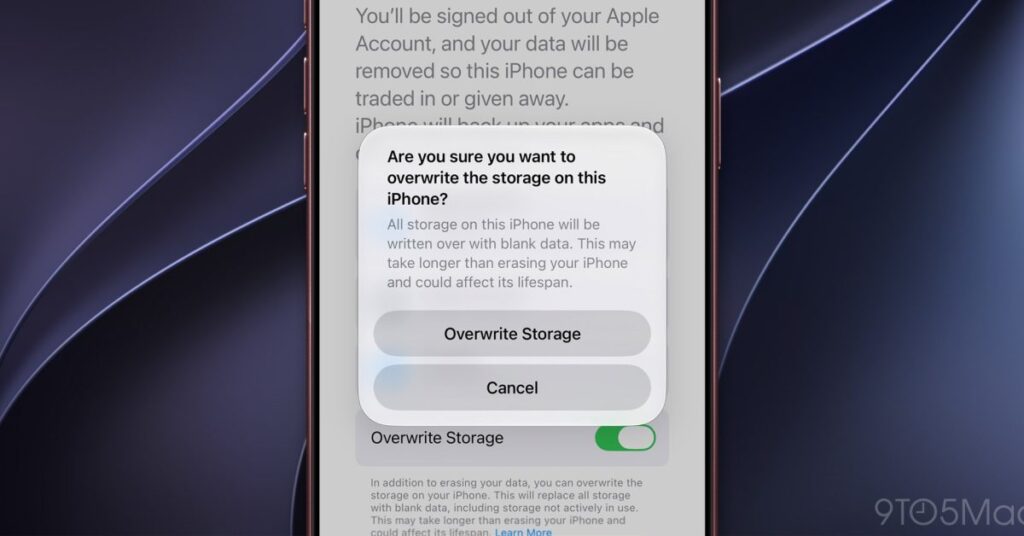
At the core of the update is the option “Remove & sanitize files”. In contrast to the existing “Remove files” option, where data could potentially still be recovered using specialized software, the new method relies on an aggressive, hardware-based sanitization of storage media. Only then is the operating system freshly deployed from the cloud.
The so-called Cloud Rebuild feature has been tested in preview builds since July 2026. In addition to an active internet connection, the process requires a working Windows Recovery Environment (WinRE) and appropriate network drivers. IT administrators gain the ability via the Configuration Service Provider path ./Device/Vendor/MSFT/Recovery/CloudRebuild to initiate the process remotely and define specific target builds for endpoints.
Modernizing Legacy System Dialogs
Alongside the recovery feature, Microsoft is pushing forward with its user interface overhaul. As confirmed by March Rogers, Partner Director of Design, legacy menus have been gradually transitioning to the modern WinUI 3 framework since May 2026. Affected dialogs include some dating back to Windows 8.1, such as the menus for language packs, print management, AutoPlay, and the PC reset interface.
The familiar “Run” dialog is also receiving the redesign, showing measurable performance differences: load times sit at 94 milliseconds in the WinUI 3 version compared to 103 milliseconds in the previous interface. Microsoft has not yet provided a concrete timeline for completing these modernization efforts, however.
What Users Need to Know
Users do not need to take any action at this time. Once rolled out, the feature will provide a simpler and more secure path for full system recovery—especially after severe system errors or prior to reselling devices—without requiring an external USB installation drive.
Sources: Borncity.com