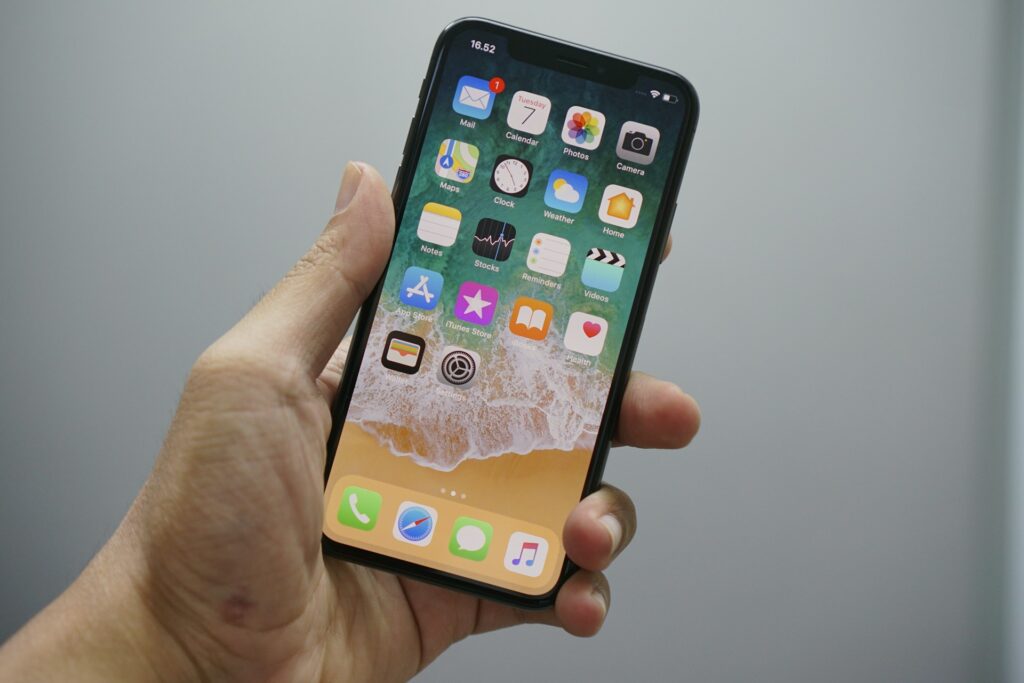

With the new iOS app HEVCut, iPhone users now have a tool at their disposal to compress photo and video files directly on their device. According to reports from early October 2026, the tool reduces the file size of each item by 50 to 80 percent without requiring media files to be routed through external servers.
Local compression frees up device storage
Running low on storage space is a recurring challenge with modern smartphones, especially when users frequently capture high-resolution imagery—as is the case, for example, with specialized applications like the iPhone camera app LibreCam. Videos and photos quickly fill internal storage, sooner or later forcing many users to upgrade to larger cloud storage plans.
As Borncity reports, this is where HEVCut comes in: Because calculations are performed entirely locally on the iOS device, the process remains independent of an internet connection. Reducing the data volume by 50 to 80 percent per file enables users to lower their current storage demands enough to avoid, for example, having to switch to a more expensive 2 TB storage plan.
Practical benefits for heavy users
Anyone who uses their iPhone heavily for photos and videos will benefit from tools that extend existing storage capacity without ongoing additional costs. At the same time, however, users should familiarize themselves with the operating system’s basic capture settings and image formats to strike the right balance between quality and storage requirements before shooting.
What users can do now
Affected users whose iPhones regularly display low storage warnings should first check their system settings to see how much capacity photos and videos are using up. If the media library turns out to be the main culprit, using a local compression app like HEVCut can be a viable option to slim down data directly on the device and free up space for new shots.
Sources: Borncity.com