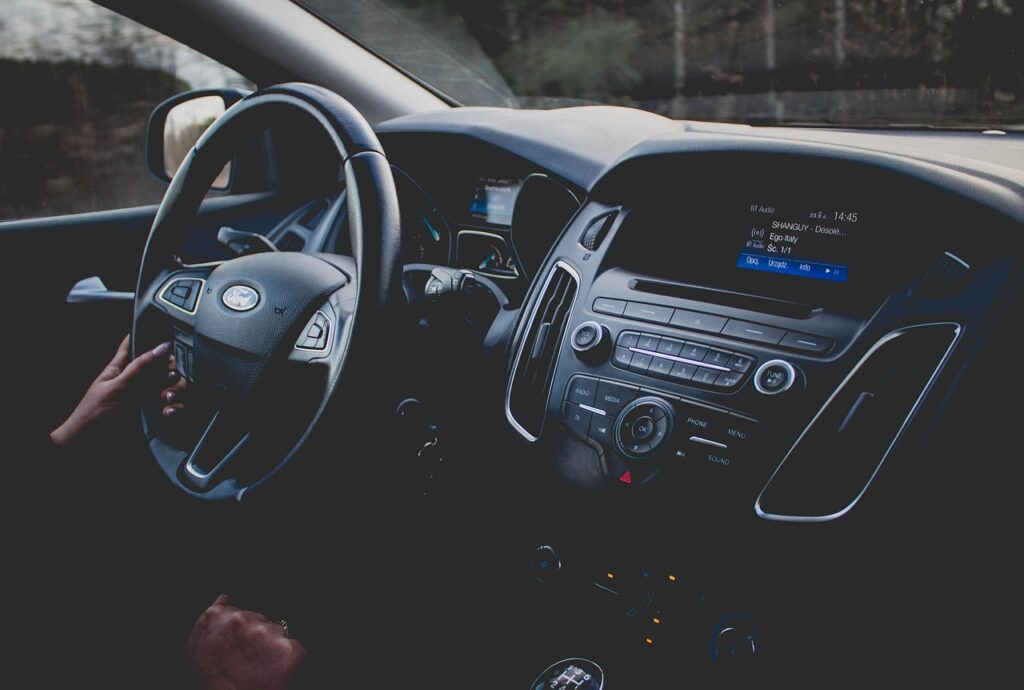

Google is enhancing cockpit awareness by expanding the feature set of Google Maps on Android Auto. Going forward, the navigation app will permanently display essential traffic information—such as current driving speed, posted speed limits, and the locations of traffic lights and stop signs—directly on the infotainment screen. The key advantage: these details remain visible even when drivers have not set a specific destination.
Better situational awareness on familiar routes
Thanks to the persistent display, a quick glance at the central screen is now all it takes to check your speed against the legal limit or prepare for upcoming intersections. This makes driving easier, particularly on everyday routes where active turn-by-turn navigation isn’t needed.
With this update, Google closes a functional gap with its rivals. While speed limits have been supported on smartphones since 2019, the live speedometer only arrived on Android Auto in late July 2026. Competing platform Apple CarPlay and Google’s own subsidiary Waze introduced comparable persistent overlays much earlier.
Gradual rollout and known bugs
The update is rolling out automatically via the Google Maps app to connected devices. According to Mishaal Rahman, Android Community Engagement Manager, the feature has been gradually making its way to users since mid-September 2026. A specific timeline for worldwide availability across all regions is not yet available.
Shortly after launch, some users ran into technical issues: the new overlays for speed, traffic lights, and road signs disappeared again after a short time in certain vehicles. The Android Auto development team has confirmed this behavior as a software bug and is working on a fix. A general rollback of the update is not planned, as it is considered a temporary glitch.
How to disable the display manually
Drivers who prefer a cleaner dashboard display without the extra overlays can turn the feature off manually. The toggle is located in the settings under Navigation and Driving options.
Sources: Borncity.com