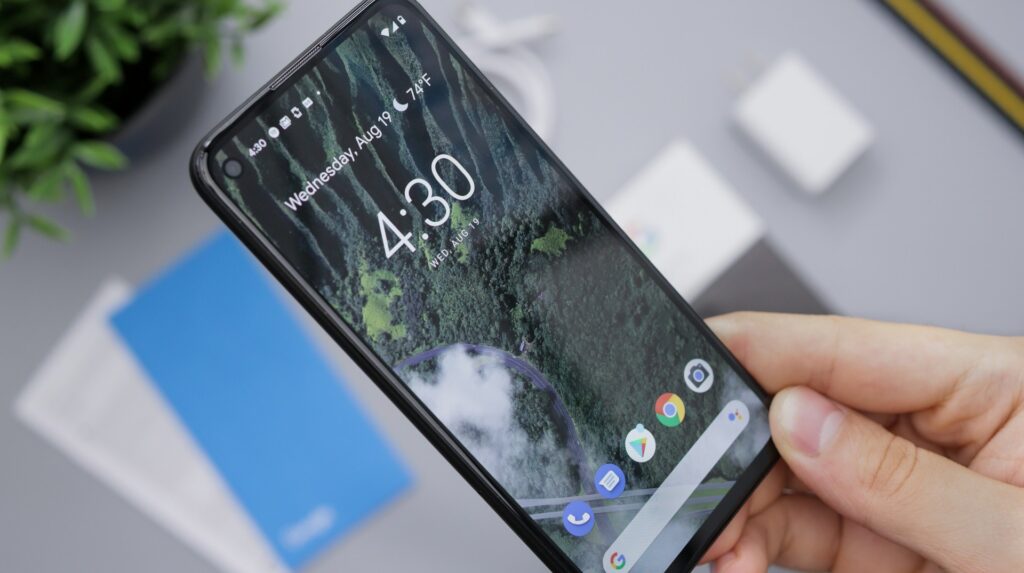

Google has released the September 2026 Pixel Drop and is concurrently rolling out the Android 17 QPR1 (Quarterly Platform Release) operating system update for supported Pixel smartphones. The update introduces practical safeguards against scam attempts, visual relief for motion sickness, as well as usability enhancements across the system and for the Pixel Watch.
Enhanced Scam Detection for Messaging
A key focus of this update is the detection of potential scam attempts. The Scam Detection feature within the Google Messages app is now available in Germany and in German. The software analyzes incoming messages for common scam patterns, though Google notes that not every fraudulent message is guaranteed to be flagged.
In addition, Google is expanding this protection to notifications from third-party chat applications. On devices from the Pixel 6 onwards, the operating system inspects incoming notification text from supported apps for suspicious content without directly accessing the data stored within the respective messaging app. In the US, Google’s Gboard keyboard also displays real-time warning alerts directly within the suggestion strip.
“Motion Assist” Against Motion Sickness
Also included among the new additions is “Motion Assist,” a feature designed to reduce symptoms of motion sickness (kinetosis). The issue stems from smartphone usage in moving vehicles, which often creates a sensory conflict between the eyes focusing on the display and the inner ear detecting movement. A September 2026 study by the University of Glasgow published in the journal Applied Ergonomics confirms the benefits of visual cues in mitigating such symptoms.
To achieve this, the system overlays up to 14 pairs of moving dots along the edges of the display, mirroring turns, braking, and acceleration in real time via the device sensors. Users can customize the shape, opacity, and color palette of these markers. The feature can be toggled manually via a Quick Settings tile or activated automatically through vehicle motion detection under Profile > All Services > Motion Assist. The functionality requires at least Android 17 and Google Play Services version 26.33 or 26.34; a device restart is required after the staged rollout completes.
Redesigned VIP Widgets and System Polish
For the home screen, Google has revamped the “Pixel VIPs” widget. Starting with version 2.0 of the app and Google Contacts 4.77, favorite contacts can be called or messaged with a single tap, eliminating the need to open a submenu. A floating navigation bar at the bottom of the screen enables quick switching between contacts, complemented by direct notification badges.
Android 17 QPR1 also introduces visual tweaks: the volume slider and power menu receive enhanced blur effects. System-level media controls now feature a Material 3 carousel with app previews, while Health Connect on smartphones will now track distance and calories burned alongside step counts. As a limited-time perk, Pixel owners can claim themed Harry Potter wallpapers along with up to two free months of Audible, redeemable through early 2027.
New Features for the Pixel Watch
Google’s smartwatches are also receiving functional updates: Pixel Watch 3 and 4 users can now scroll through the notification shade using a one-handed pinch-and-release gesture. On the Pixel Watch 4 and 5, the Gemini AI assistant can be summoned more reliably simply by raising the wrist, without needing a wake word. Additionally, starting with Gemini app version 1.36, the Pixel Watch 5 can execute core tasks—such as timers, alarms, app launches, and workout tracking—entirely offline.
Availability and Installation
The Android 17 QPR1 update and the Pixel Drop are available immediately for all models from the Pixel 6 up to the latest Pixel 11 lineup. The rollout is proceeding in stages via the system settings at Settings > System > System update. Users previously enrolled in the beta program must opt out to receive the final, stable release without wiping their device data.
Sources: Borncity.com, Stadt-Bremerhaven, 9to5google, 9to5google, Computerbase.de/news