
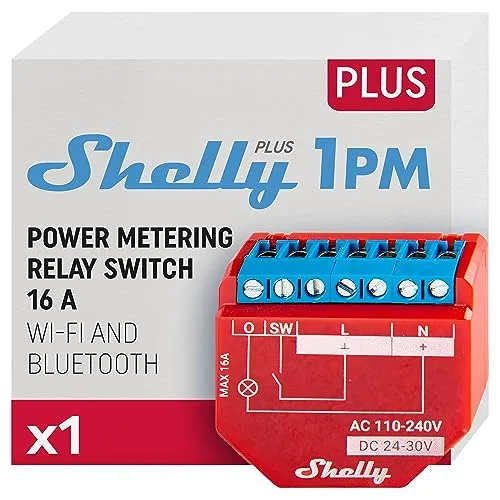
WLAN-Relais mit Verbrauchsmessung, dokumentierter lokaler API und optionalem MQTT.
Kompatibel mit Home Assistant, Amazon Alexa, ioBroker, Homey, openHAB und Homebridge. Teilweise unterstützt: ESPHome.
- Hersteller
- Shelly
- Modell
- SNSW-001P16EU
- Modell-ID
- ShellyPlus1PM
- Stromversorgung
- Netzbetrieb
- Rolle
- Endgerät
Wo kaufen
Shelly-Gen2-Geräte arbeiten vollständig lokal: RPC über HTTP, WebSocket und MQTT, dazu Skripting. Home Assistant findet sie automatisch per mDNS.
Kompatibilität
WLAN
| Integration | Status | Seit | Hinweise |
|---|---|---|---|
| Home Assistant | Läuft | 2022.7 |
— |
| Homebridge | Läuft | — | — |
| ESPHome | Teilweise | — | Nur nach dem Flashen von ESPHome – die Originalfirmware ist ohnehin lokal. |
Matter
| Integration | Status | Seit | Hinweise |
|---|---|---|---|
| Amazon Alexa | Läuft | — | — |
Zigbee
| Integration | Status | Seit | Hinweise |
|---|---|---|---|
| ioBroker | Läuft | — | — |
| HMY Homey | Läuft | — | — |
| openHAB | Läuft | — | — |
Etwas falsch oder unvollständig? Erfahrung melden
Einrichtung & Anlernen
- Go to Settings → Devices & services → Add integration and search for Shelly.
- Follow the config flow – devices on the same network are usually discovered automatically.
- Open the Alexa app → Devices → + → Add device.
- Choose Matter and scan the code, or enable the Shelly skill.
- Install and open the matching adapter instance (Zigbee, Z-Wave, Matter, BLE …).
- Start the pairing mode of the adapter and put Shelly Plus 1PM into pairing mode: Mit dem Shelly-Access-Point verbinden oder per Bluetooth-Provisionierung in der Shelly-App einrichten.
- The states show up under
iobroker.0.<device>.
- Install the app of the manufacturer from the Homey App Store.
- Add the device via Devices → + → Shelly.
- Put Shelly Plus 1PM into pairing mode: Mit dem Shelly-Access-Point verbinden oder per Bluetooth-Provisionierung in der Shelly-App einrichten.
- Install the matching binding and open Settings → Things → +.
- Start the discovery scan and put Shelly Plus 1PM into pairing mode: Mit dem Shelly-Access-Point verbinden oder per Bluetooth-Provisionierung in der Shelly-App einrichten.
- Link the channels of the new Thing to items.
- Install the matching plugin from the Homebridge UI (search for Shelly).
- Enter the credentials or local key of Shelly Plus 1PM and restart Homebridge.
- Create a new ESPHome configuration and add the component for Shelly Plus 1PM.
- Flash the device (serial for the first time, OTA afterwards).
- Home Assistant discovers the node automatically via mDNS.
Alternativen
Dieselbe Aufgabe von anderen Herstellern – Geräte desselben Typs und Funkstandards, die ebenfalls mit Home Assistant laufen.
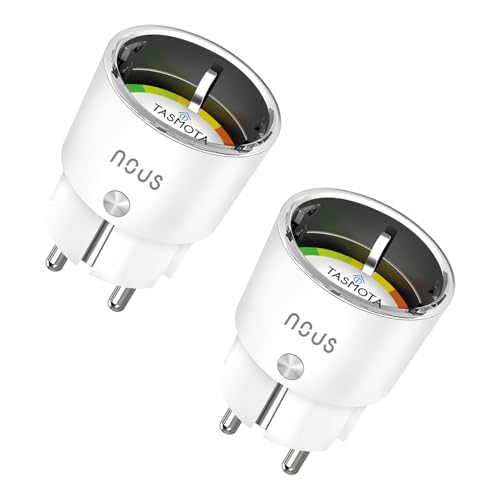
NOUS A1T WLAN-Steckdose (Tasmota)
A1TPreiswerte Steckdose mit vorinstalliertem Tasmota und Verbrauchsmessung.
Athom Smart Plug V2 (Tasmota)
PG05ESP32-Steckdose, die ab Werk mit Tasmota oder ESPHome kommt – ohne Cloud.
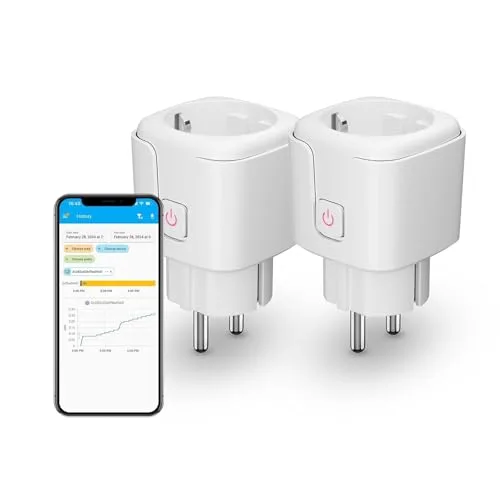
Third Reality Zigbee Smart Plug
3RSP02028BZKompakte Zwischensteckdose mit Verbrauchsmessung, die zugleich als Zigbee-Router dient.
Eve Energy (Matter)
10EBS8351Thread-Zwischenstecker mit Verbrauchsmessung und eingebautem Thread-Router.