
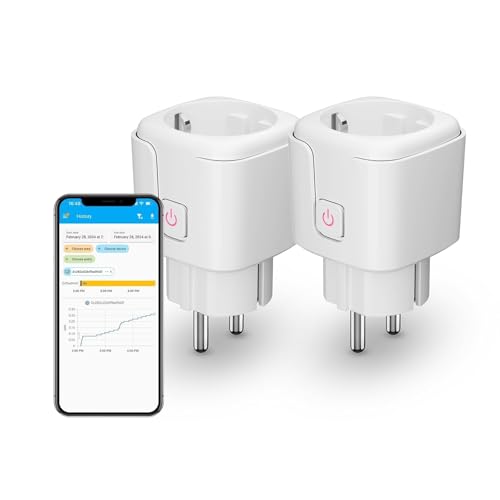
Kompakte Zwischensteckdose mit Verbrauchsmessung, die zugleich als Zigbee-Router dient.
Kompatibel mit Home Assistant, Zigbee2MQTT, ZHA, SmartThings und Hubitat.
- Hersteller
- Third Reality
- Modell
- 3RSP02028BZ
- Modell-ID
- 3RSP02028BZ
- Stromversorgung
- Netzbetrieb
- Rolle
- Router / Repeater
Die Steckdose misst Leistung und Energie und erweitert als Router gleichzeitig das Zigbee-Netz. Nach einem Stromausfall kehrt sie in den zuletzt genutzten Zustand zurück.
Kompatibilität
WLAN
| Integration | Status | Seit | Hinweise |
|---|---|---|---|
| Home Assistant | Läuft | — | über ZHA und Zigbee2MQTT |
Zigbee
| Integration | Status | Seit | Hinweise |
|---|---|---|---|
| Zigbee2MQTT | Läuft | 1.30.0 |
— |
| ZHA ZHA | Läuft | — | — |
| SmartThings | Läuft | — | — |
| HE Hubitat | Läuft | — | — |
| HMY Homey | Ungetestet | — | — |
Etwas falsch oder unvollständig? Erfahrung melden
Einrichtung & Anlernen
- Go to Settings → Devices & services → Add integration and search for Third Reality.
- Follow the config flow – devices on the same network are usually discovered automatically.
- Open Zigbee2MQTT → Settings → Permit join (or enable joining for a specific coordinator/router).
- Put Third Reality Zigbee Smart Plug into pairing mode: Taste am Gehäuse etwa 5 Sekunden halten, bis die LED schnell blinkt.
- Watch the Zigbee2MQTT log – the device shows up with the model ID
3RSP02028BZ. - Rename the device to a friendly name; entities are exposed to MQTT/Home Assistant automatically.
Supported since Zigbee2MQTT 1.30.0.
- In Home Assistant go to Settings → Devices & services → ZHA → Add device.
- Put Third Reality Zigbee Smart Plug into pairing mode: Taste am Gehäuse etwa 5 Sekunden halten, bis die LED schnell blinkt.
- Wait for the interview to finish – the device appears as
3RSP02028BZ. - If entities are missing, a ZHA quirk may be required (available from HA ).
- In the SmartThings app tap + → Device → Scan nearby.
- Put Third Reality Zigbee Smart Plug into pairing mode: Taste am Gehäuse etwa 5 Sekunden halten, bis die LED schnell blinkt.
- Pick the matching Edge driver if the device is not detected automatically.
- Open Devices → Add device → Zigbee/Z-Wave and start the discovery.
- Put Third Reality Zigbee Smart Plug into pairing mode: Taste am Gehäuse etwa 5 Sekunden halten, bis die LED schnell blinkt.
- Assign the matching built-in or community driver and click Configure.
Alternativen
Dieselbe Aufgabe von anderen Herstellern – Geräte desselben Typs und Funkstandards, die ebenfalls mit Home Assistant laufen.
Climax CO-8ZBS Energiemesser
CO-8ZBSZigbee-Energiemesser von Climax. Kompatibel mit Home Assistant über Zigbee2MQTT.
Develco ZHEMI101 Energiemesser
ZHEMI101Zigbee-Energiemesser von Develco. Kompatibel mit Home Assistant über Zigbee2MQTT, ZHA oder deCONZ. Läuft außerdem mit Do…
Climax EMD-1ZBS Energiemesser
EMD-1ZBSZigbee-Energiemesser von Climax. Kompatibel mit Home Assistant über deCONZ.
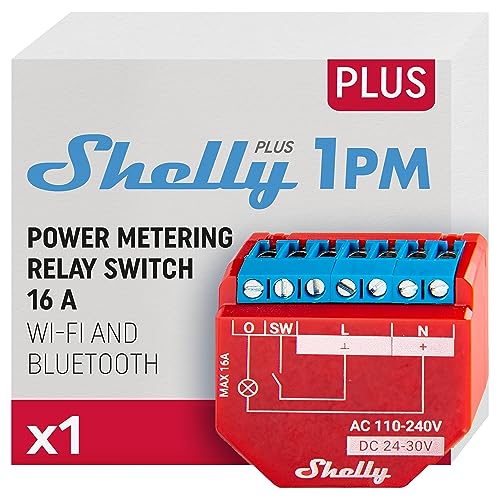
Shelly Plus 1PM
SNSW-001P16EUWLAN-Relais mit Verbrauchsmessung, dokumentierter lokaler API und optionalem MQTT.