Pihole, as the name suggests, is actually designed for the Raspberry Pi. The software is also available as a Docker container and can be installed on an Unraid server. Anyone who already knows what Pihole is can simply skip the next section.
What does Pihole do?
Pihole provides a DNS server. When you want to open a website, for example, your computer asks the Internet router. But the router doesn’t know the address either, so it asks the selected DNS server for the correct IP address. The IP address is needed to request and retrieve data. The nicely written-out names are really only meant for us humans — we simply remember names better than numbers.
Install Pihole on an unRaid Server
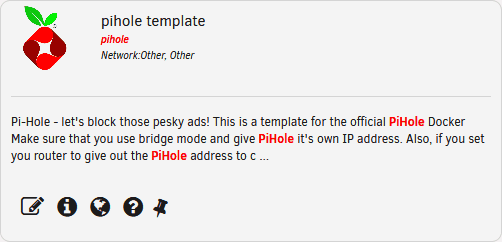
First of all, we need to download the official Pi-Hole Docker. To do this, go to the “Apps” tab and search for Pihole. If you don’t have an “Apps” tab in the Unraid menu, you first need to install the Community Applications plugin.
Once we have found the official Docker, we click on “Install”. There can be problems if you already have an application running with a web server, such as Nextcloud. However, these can be fixed with just one setting. In general, I would recommend giving the Pihole its own IP address.
To do this, we change the network settings to “Custom br0” and enter a free IP address. For me, the choice is 192.168.178.99. Then you should choose an admin password. The rest can be left as it is. With a click on “Install”, Pi-hole will be installed.
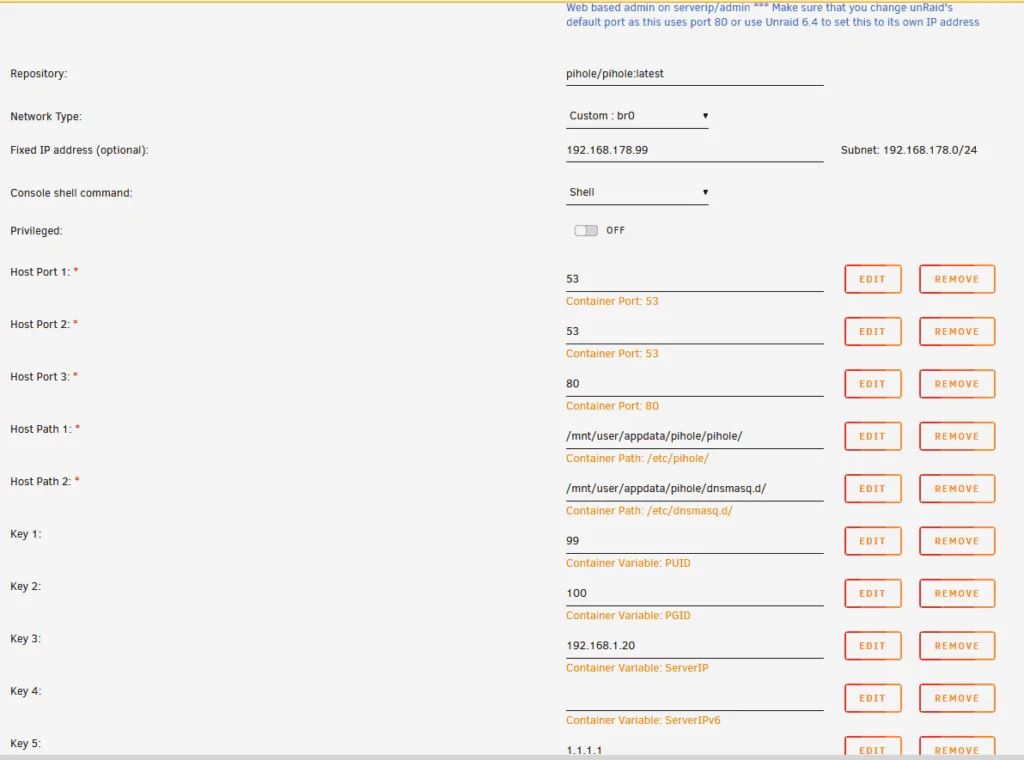
Pi-Hole Admin Interface
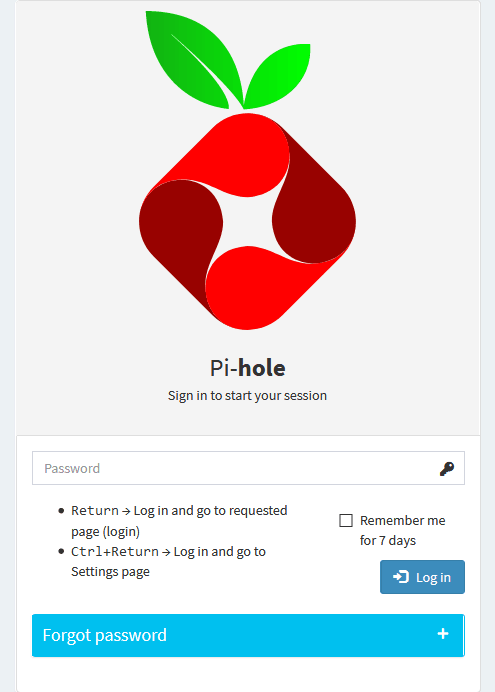
The admin interface can be reached at (the assigned IP)/admin (e.g. 192.168.1.5/admin). There you can log in with the password you selected earlier.
Blocklists
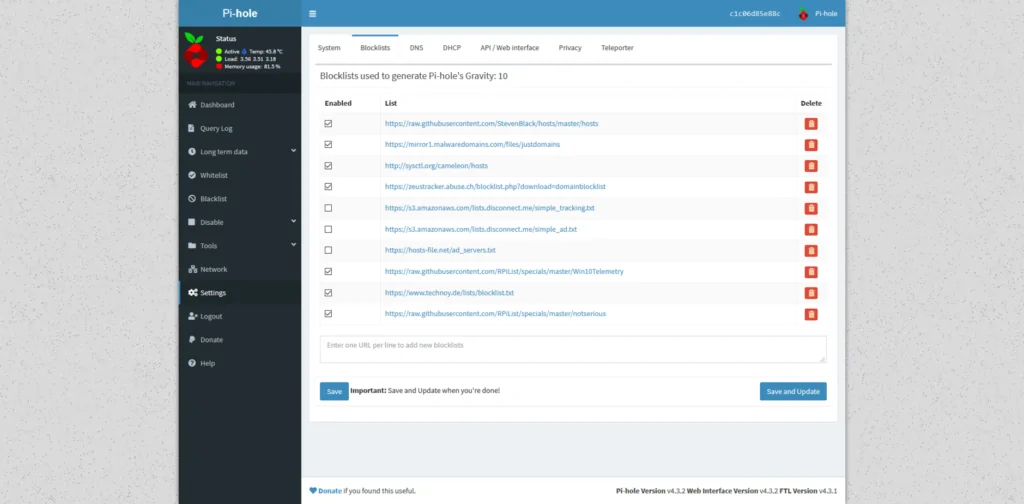
To add blocklists, first click on “Settings” and then on “Blocklists” at the top. Below the default entries there is an input field where you can add more. Just paste the URLs and click on “Save & Update”. Personally, I have turned off the lists for normal ad blocking. First, it makes Google Shopping almost useless because you can hardly get anywhere through it, and second, I like to support the sites I use. I know the real point of the Pi-Hole is to block ads, but simple banner ads don’t bother me personally. Unfortunately, ads on YouTube, Instagram and similar platforms can’t be blocked with it.