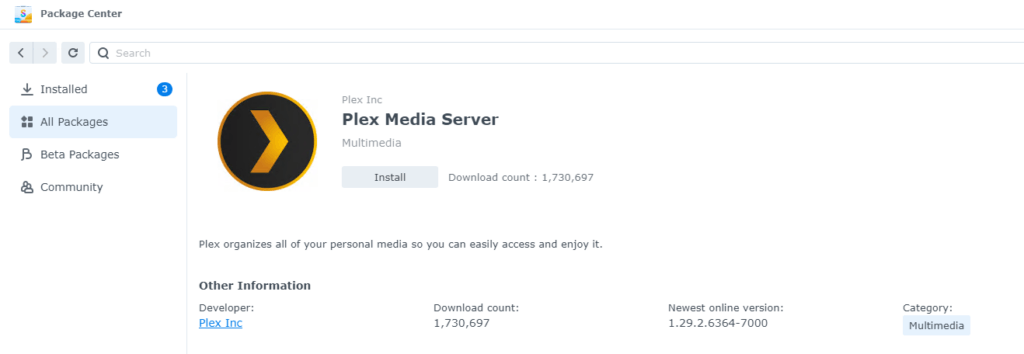
The DSM update to version 7.2.2 causes the Plex media server to stop working. However, this only applies to the Plex package from the Synology Package Center; Docker installations are not affected.
Plex Server no longer works under DSM 7.2.2 – Solution
Plex itself has released updates that fix the problem. The download link was initially only made available to Plex Pass users, i.e. users with a paid account. The direct download links are publicly available:
ARMv7
PlexMediaServer-1.41.0.8911-1bd569c5f-armv7neon_DSM72.spk
ARMv8
PlexMediaServer-1.41.0.8911-1bd569c5f-aarch64_DSM72.spk
Intel/AMD 64-bit
PlexMediaServer-1.41.0.8911-1bd569c5f-x86_64_DSM72.spk
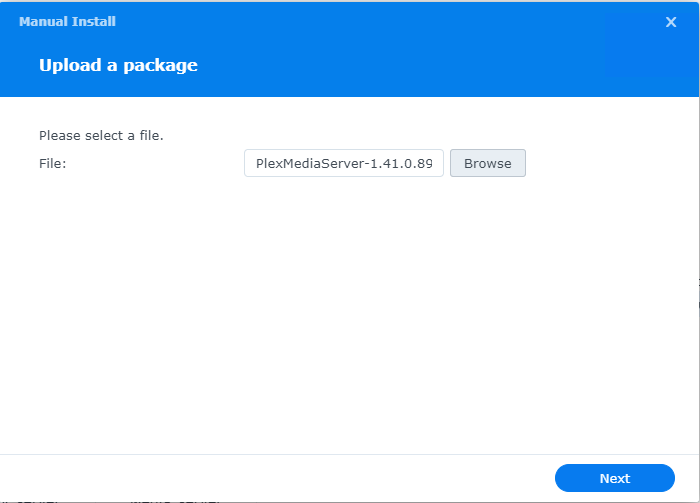
Install the Synology SPK package manually
The .spk package downloaded via the links above can be installed directly through the Synology Package Center. To do this, click the button at the top right, then select and install the package.