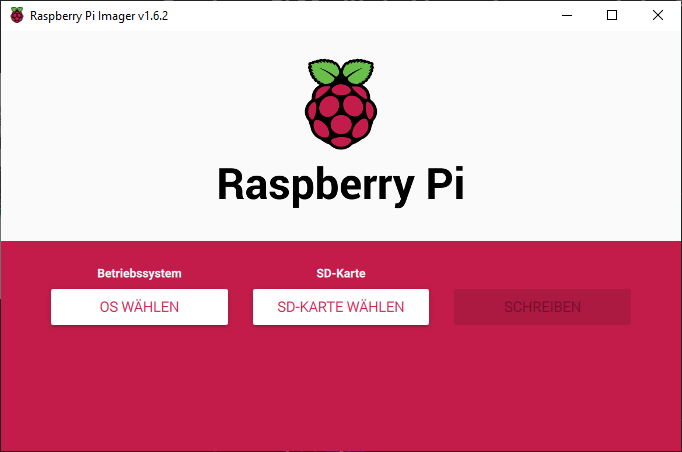
Raspberry Pi OS, formerly known as Raspbian, is the most frequently used operating system on the Raspberry Pi and offers the best compatibility. Whereas in the past you had to rely on third-party software, the Raspberry Pi OS Imager is now available. With this software, the operating system can be written directly to the MicroSD card or to an SSD or HDD. The Raspberry Pi Imager can be downloaded from the official Raspberry Pi website.
To start the installation under Linux, type the following into the terminal window:
sudo apt install rpi-imagerUnder Windows and macOS, start the installer by double-clicking the downloaded file. After the short installation process, you can now select the operating system and the storage medium. Click on “Write” to install Raspberry Pi OS onto the storage medium. Once it is finished, insert the storage medium into the Raspberry Pi and you are ready to go.