
Zurück zur Übersicht
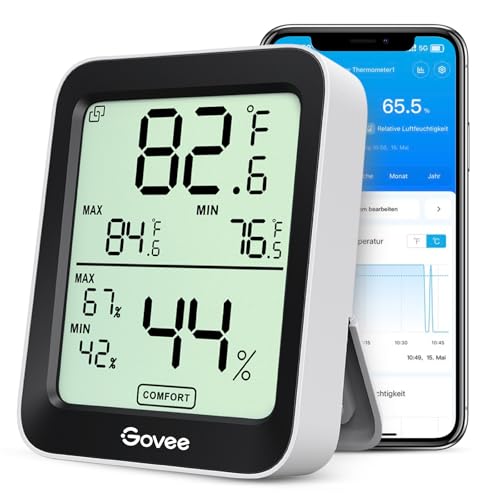
BLE-Thermometer mit Display, das ohne Cloud passiv ausgelesen werden kann.
Kompatibel mit Home Assistant, ESPHome, HA Bluetooth und Theengs / OpenMQTTGateway.
- Hersteller
- Govee
- Modell
- H5075
- Stromversorgung
- Batterie (2x AAA)
- Rolle
- Endgerät
Wo kaufen
Produktdaten werden geladen …
Home Assistant erkennt den H5075 über die Govee-BLE-Integration automatisch, sobald ein Adapter oder ESPHome-Proxy in Reichweite ist.
Kompatibilität
WLAN
| Integration | Status | Seit | Hinweise |
|---|---|---|---|
| Home Assistant | Läuft | — | über ESPHome, HA Bluetooth und Theengs / OpenMQTTGateway |
| ESPHome | Läuft | — | — |
Bluetooth
| Integration | Status | Seit | Hinweise |
|---|---|---|---|
| HA Bluetooth | Läuft | 2022.9 |
— |
| Theengs / OpenMQTTGateway | Läuft | — | — |
Etwas falsch oder unvollständig? Erfahrung melden
Einrichtung & Anlernen
- Go to Settings → Devices & services → Add integration and search for Govee.
- Follow the config flow – devices on the same network are usually discovered automatically.
- Create a new ESPHome configuration and add the component for Govee Thermo-Hygrometer H5075.
- Flash the device (serial for the first time, OTA afterwards).
- Home Assistant discovers the node automatically via mDNS.
- Make sure a Bluetooth adapter or an ESPHome BLE proxy is in range of Govee Thermo-Hygrometer H5075.
- Home Assistant discovers supported advertisements automatically – confirm the discovery.
- Enter the bind key / PIN if the device sends encrypted advertisements.
- Flash OpenMQTTGateway onto an ESP32 or install the Theengs Gateway.
- Power on Govee Thermo-Hygrometer H5075 – the decoder recognises the advertisement automatically.
- Home Assistant discovery creates the entities via MQTT.
Alternativen
Dieselbe Aufgabe von anderen Herstellern – Geräte desselben Typs und Funkstandards, die ebenfalls mit Home Assistant laufen.
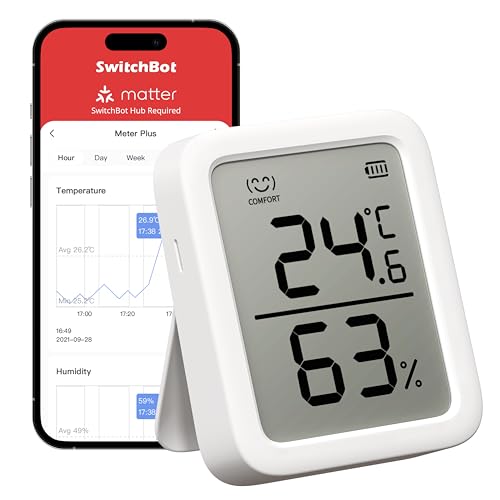
ab 19,75 €
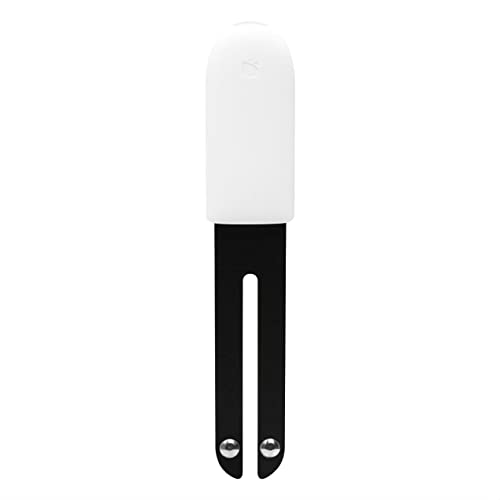
Xiaomi Mi Flora Pflanzensensor
HHCCJCY01Pflanzensensor für Bodenfeuchte, Leitfähigkeit, Helligkeit und Temperatur.
Läuft mit
Batterie
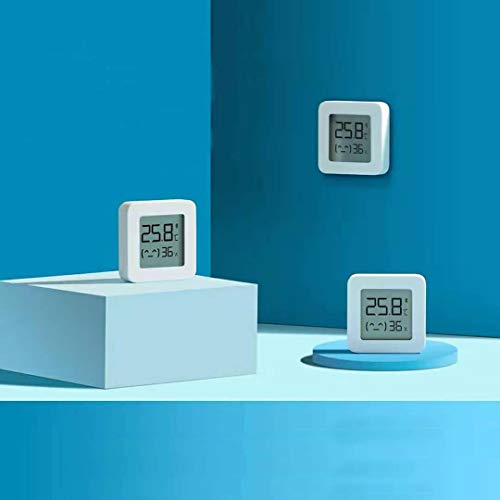
Xiaomi Mijia Thermo-Hygrometer 2
LYWSD03MMCDer Klassiker unter den günstigen BLE-Thermometern, besonders stark mit alternativer Firmware.
Läuft mit
Batterie
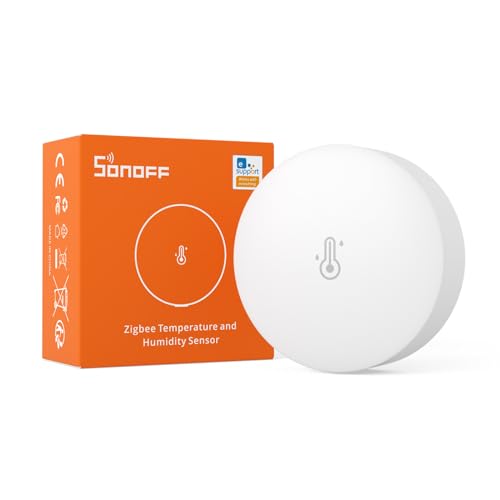
SONOFF SNZB-02P Temperatur- und Feuchtigkeitssensor
SNZB-02PGünstiger und zuverlässiger Zigbee-Sensor für Temperatur und Luftfeuchte mit rund zwei Jahren Batterielaufzeit.
Läuft mit
ZHAdCZHE+1
ab 28,90 €
Lädt …