
Zigbee-Temperatur- und Feuchtigkeitssensor von Aqara. Kompatibel mit Home Assistant über Zigbee2MQTT oder ZHA. Läuft außerdem mit Domoticz.
Kompatibel mit Home Assistant, Zigbee2MQTT, ZHA und Domoticz.
- Hersteller
- Aqara
- Modell
- WSDCGQ12LM
- Modell-ID
- lumi.sensor_ht.agl02
Kompatibilität
WLAN
| Integration | Status | Seit | Hinweise |
|---|---|---|---|
| Home Assistant | Läuft | — | über ZHA und Zigbee2MQTT |
Zigbee
| Integration | Status | Seit | Hinweise |
|---|---|---|---|
| Zigbee2MQTT | Läuft | — | — |
| ZHA ZHA | Läuft | — | — |
| DOM Domoticz | Läuft | — | — |
Etwas falsch oder unvollständig? Erfahrung melden
Einrichtung & Anlernen
- Go to Settings → Devices & services → Add integration and search for Aqara.
- Follow the config flow – devices on the same network are usually discovered automatically.
- Open Zigbee2MQTT → Settings → Permit join (or enable joining for a specific coordinator/router).
- Put Aqara WSDCGQ12LM Temperatur- und Feuchtigkeitssensor into pairing mode: den Reset laut Bedienungsanleitung durchführen (meist die Taste etwa 5 Sekunden halten).
- Watch the Zigbee2MQTT log – the device shows up with the model ID
lumi.sensor_ht.agl02. - Rename the device to a friendly name; entities are exposed to MQTT/Home Assistant automatically.
- In Home Assistant go to Settings → Devices & services → ZHA → Add device.
- Put Aqara WSDCGQ12LM Temperatur- und Feuchtigkeitssensor into pairing mode: den Reset laut Bedienungsanleitung durchführen (meist die Taste etwa 5 Sekunden halten).
- Wait for the interview to finish – the device appears as
lumi.sensor_ht.agl02. - If entities are missing, a ZHA quirk may be required (available from HA ).
- Open the matching hardware plugin and start the inclusion.
- Put Aqara WSDCGQ12LM Temperatur- und Feuchtigkeitssensor into pairing mode: den Reset laut Bedienungsanleitung durchführen (meist die Taste etwa 5 Sekunden halten).
Alternativen
Dieselbe Aufgabe von anderen Herstellern – Geräte desselben Typs und Funkstandards, die ebenfalls mit Home Assistant laufen.
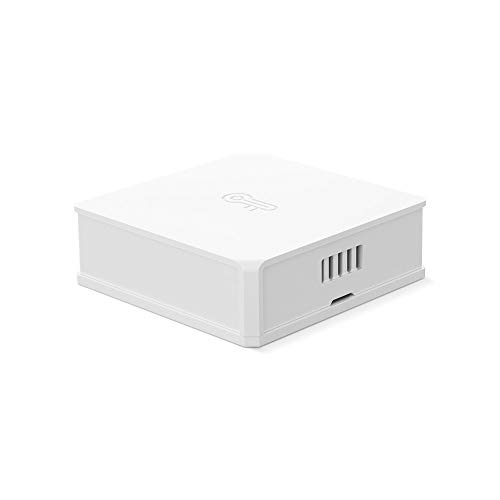
Sonoff SNZB-02 Temperatur- und Feuchtigkeitssensor
SNZB-02Zigbee-Temperatur- und Feuchtigkeitssensor von Sonoff. Kompatibel mit Home Assistant über Zigbee2MQTT, ZHA, deCONZ oder…
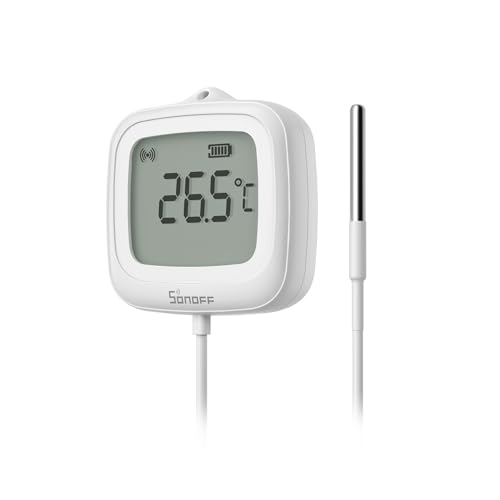
Sonoff SNZB-02LD Temperatur- und Feuchtigkeitssensor
SNZB-02LDZigbee-Temperatur- und Feuchtigkeitssensor von Sonoff. Kompatibel mit Home Assistant über Zigbee2MQTT.
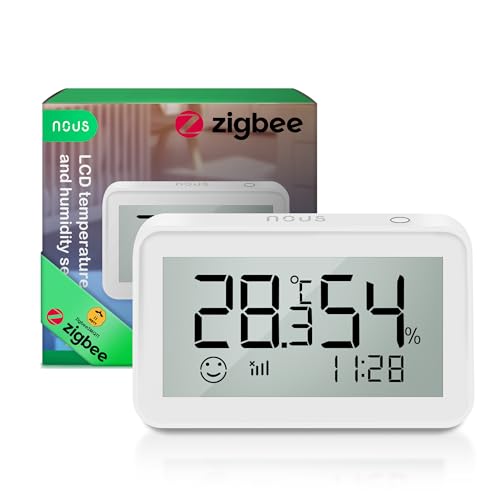
Nous E6 Temperatur- und Feuchtigkeitssensor
E6Zigbee-Temperatur- und Feuchtigkeitssensor von Nous. Kompatibel mit Home Assistant über Zigbee2MQTT, deCONZ oder ZHA.
Qoto QT-07S Temperatur- und Feuchtigkeitssensor
QT-07SZigbee-Temperatur- und Feuchtigkeitssensor von Qoto. Kompatibel mit Home Assistant über Zigbee2MQTT, ZHA oder deCONZ. Lä…