
Heiman HM-5HA-E in Home Assistant
Climate sensors · Zigbee · Smart heat alarm
Zigbee device – see the note above on what ZHA needs for it.
Facts about this device
- Brand
- Heiman
- Model
- HM-5HA-E
- Device type
- Climate sensors
- Radio
- Zigbee
- Power
- Battery
- Reports itself as
- HM-5HA-E, HM-5HA-EF-3.0
- Zigbee2MQTT
- Device page on zigbee2mqtt.io
How the device gets into Home Assistant
- official ZHA – with a Zigbee coordinator and the ZHA integration; for all its functions it needs a custom quirk, see above.
- add-on Zigbee2MQTT – Zigbee2MQTT runs as an add-on and passes the device on to Home Assistant over MQTT.
Known problems and fixes
Changes proposed for ZHA
- pull request A change to ZHA for this device has been proposed and is waiting for review.
ZHA quirks for this device
Quirk proposed, not merged yet Recommended quirk
Proposed to ZHA and waiting for review – the maintainers check it before it becomes part of Home Assistant.
Adds: Heartbeat indicator Self-test Fault Muted Interconnectable Buzzer manual mute Remote test Rebooted count Rejoined count Reported packages
Source:
zha-device-handlers · pull request #5371 · by @Leo2442926161 · 24 de setembro de 2026
Signature: Heiman / HM-5HA-E
Alternatives
The same job from other makers – devices of the same type and radio that work with Home Assistant too.
-
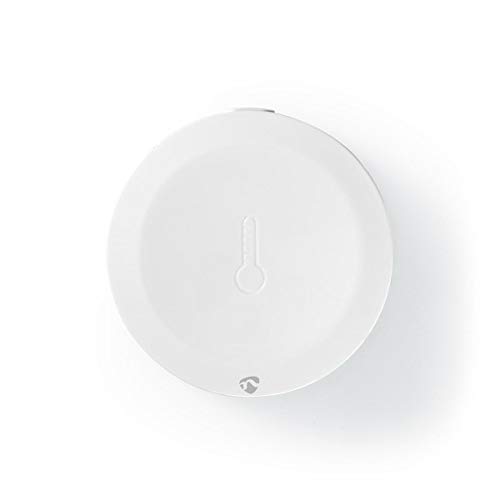 Nedis ZBSC10WT
Climate sensors · Zigbee, Wi-Fi · Temperature and humidity sensor
Zigbee2MQTT
Tuya Local (HACS)
Custom quirk needed
Review
Nedis ZBSC10WT
Climate sensors · Zigbee, Wi-Fi · Temperature and humidity sensor
Zigbee2MQTT
Tuya Local (HACS)
Custom quirk needed
Review
-
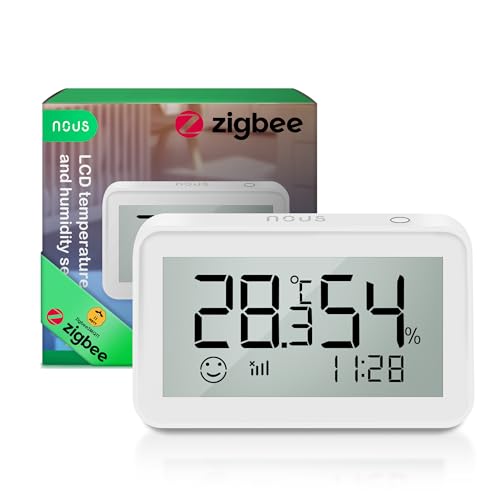 Nous E6
Climate sensors · Zigbee · Temperature & humidity LCD sensor
Zigbee2MQTT
ZHA quirk
2 open reports
Review
Nous E6
Climate sensors · Zigbee · Temperature & humidity LCD sensor
Zigbee2MQTT
ZHA quirk
2 open reports
Review
-
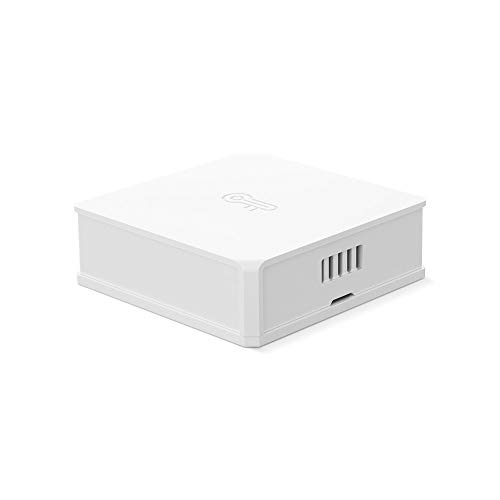 SONOFF SNZB-02
Climate sensors · Zigbee · Temperature and humidity sensor
Zigbee2MQTT
1 open report
Review
SONOFF SNZB-02
Climate sensors · Zigbee · Temperature and humidity sensor
Zigbee2MQTT
1 open report
Review
-
Tuya IH-K009 Climate sensors · Zigbee · Temperature & humidity sensor Zigbee2MQTT ZHA quirk 1 open report Review
Sources: Zigbee2MQTT, ZHA quirks, Z-Wave JS, the Matter certification database, Shelly, ESPHome, Tasmota, Tuya Local and the issue trackers on GitHub. Reports are assigned to a device by the identifiers they contain; the sentences come from the integration pages, where a language model writes them from the titles.