
Aqara WS-K05E in Home Assistant
Wall switches · Zigbee · Dimmer Switch H2 US
Zigbee device – see the note above on what ZHA needs for it.
Facts about this device
- Brand
- Aqara
- Model
- WS-K05E
- Device type
- Wall switches
- Radio
- Zigbee
- Reports itself as
- lumi.switch.agl007
- Zigbee2MQTT
- Device page on zigbee2mqtt.io
How the device gets into Home Assistant
- official ZHA – with a Zigbee coordinator and the ZHA integration; for all its functions it needs a custom quirk, see above.
- official Aqara hub – paired with an Aqara hub that works as a Matter bridge (such as the M3 or M2), which shares supported devices with Home Assistant.
- add-on Zigbee2MQTT – Zigbee2MQTT runs as an add-on and passes the device on to Home Assistant over MQTT.
Known problems and fixes
Requests for ZHA support
- support requested Someone asked ZHA to support this device or one of its functions.
Changes proposed for ZHA
- pull request A change to ZHA for this device has been proposed and is waiting for review.
ZHA quirks for this device
Quirk proposed, not merged yet Recommended quirk
Proposed to ZHA and waiting for review – the maintainers check it before it becomes part of Home Assistant.
Adds: Operation mode (paddle) Operation mode (up button) Operation mode (down button) Mode switch Phase Power on state Minimum brightness Maximum brightness LED indicator Flip indicator light
Source:
zha-device-handlers · pull request #5284 · by @e11o · 27 de agosto de 2026
Signature: Aqara / lumi.switch.agl007
1 more quirk for this device
-
Custom quirk shared in an issue
Aqara/lumi.switch.agl007zha-device-handlers · issue #4983 · by @explosivo2k2 · 8 de maio de 2026
Alternatives
The same job from other makers – devices of the same type and radio that work with Home Assistant too.
-
Tuya TS0001_switch_module Wall switches · Zigbee · 1 gang switch module Zigbee2MQTT Custom quirk needed 3 open reports Review
-
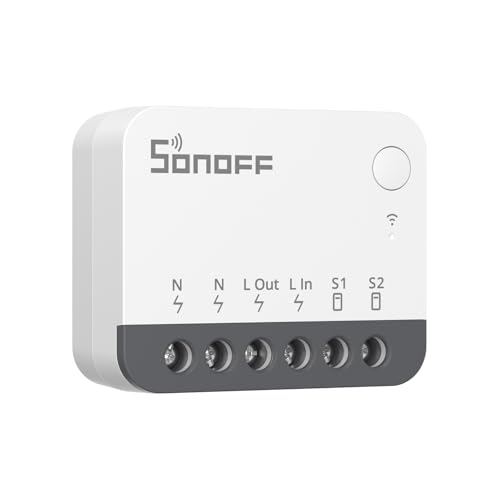 SONOFF ZBMINIR2
Wall switches · Zigbee · Zigbee smart switch
Zigbee2MQTT
ZHA quirk
2 open reports
Review
SONOFF ZBMINIR2
Wall switches · Zigbee · Zigbee smart switch
Zigbee2MQTT
ZHA quirk
2 open reports
Review
-
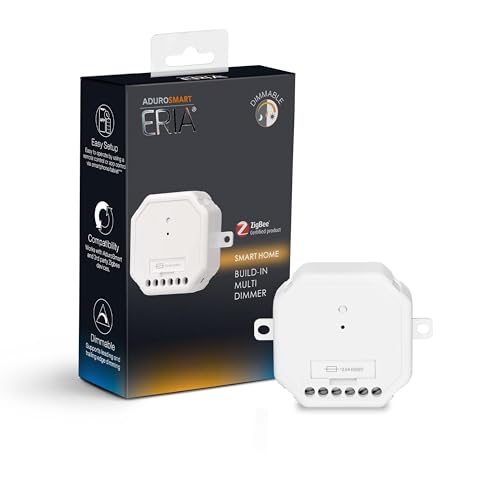 AduroSmart 81849
Wall switches · Zigbee · ERIA Built-in Dimmer
Zigbee2MQTT
Review
AduroSmart 81849
Wall switches · Zigbee · ERIA Built-in Dimmer
Zigbee2MQTT
Review
-
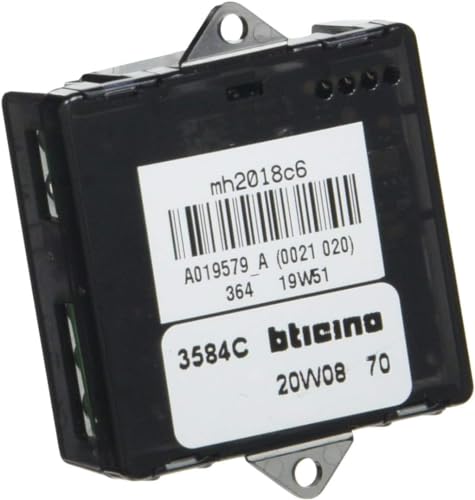 BTicino 3584C
Wall switches · Zigbee · Connected lighting micromodule
Zigbee2MQTT
Review
BTicino 3584C
Wall switches · Zigbee · Connected lighting micromodule
Zigbee2MQTT
Review
Sources: Zigbee2MQTT, ZHA quirks, Z-Wave JS, the Matter certification database, Shelly, ESPHome, Tasmota, Tuya Local and the issue trackers on GitHub. Reports are assigned to a device by the identifiers they contain; the sentences come from the integration pages, where a language model writes them from the titles.