
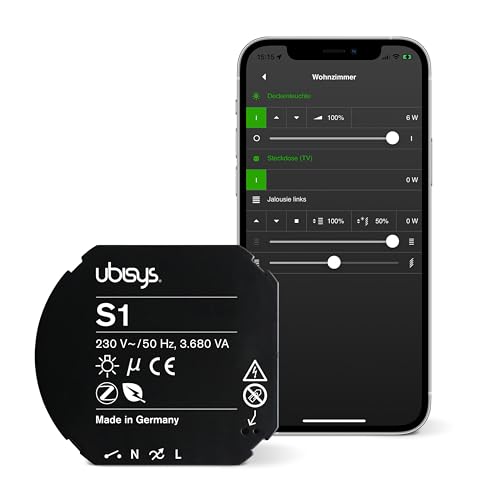
Ubisys S1 in Home Assistant
Wall switches · Zigbee · Power switch S1
This device is known to both Zigbee integrations: Zigbee2MQTT has a definition for it, and ZHA has a quirk that adapts it.
Facts about this device
- Brand
- Ubisys
- Model
- S1
- Device type
- Wall switches
- Radio
- Zigbee
- Power
- Mains powered
- Reports itself as
- S1 (5501)
- Zigbee2MQTT
- Device page on zigbee2mqtt.io
Where to buy
How the device gets into Home Assistant
- official ZHA – with a Zigbee coordinator and the ZHA integration; the quirk the device needs is part of ZHA.
- add-on Zigbee2MQTT – Zigbee2MQTT runs as an add-on and passes the device on to Home Assistant over MQTT.
ZHA quirks for this device
Quirk included in ZHA Recommended quirk
Part of ZHA – Home Assistant uses it on its own, nothing to install.
Adds: Input mode Detached mode
Source:
zha-device-handlers · since zha-quirks 2.2.2
Signature: ubisys / S1 (5501)
Alternatives
The same job from other makers – devices of the same type and radio that work with Home Assistant too.
-
Tuya TS0001_switch_module Wall switches · Zigbee · 1 gang switch module Zigbee2MQTT Custom quirk needed 3 open reports Review
-
Aqara SSM-U01 Wall switches · Zigbee · Single switch module T1 (with neutral) Zigbee2MQTT ZHA quirk 2 open reports Review
-
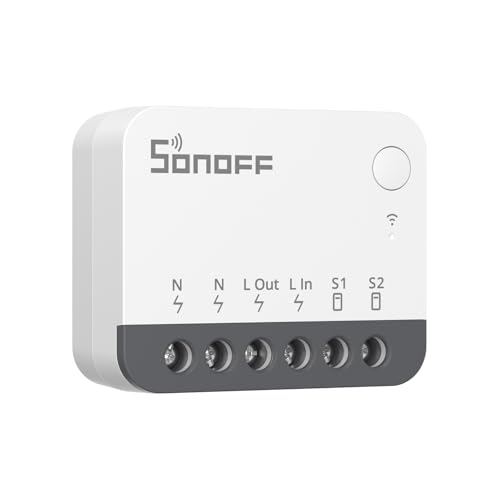 SONOFF ZBMINIR2
Wall switches · Zigbee · Zigbee smart switch
Zigbee2MQTT
ZHA quirk
2 open reports
Review
SONOFF ZBMINIR2
Wall switches · Zigbee · Zigbee smart switch
Zigbee2MQTT
ZHA quirk
2 open reports
Review
-
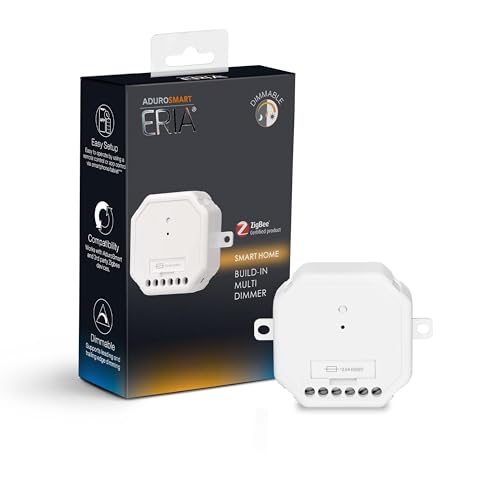 AduroSmart 81849
Wall switches · Zigbee · ERIA Built-in Dimmer
Zigbee2MQTT
Review
AduroSmart 81849
Wall switches · Zigbee · ERIA Built-in Dimmer
Zigbee2MQTT
Review
Sources: Zigbee2MQTT, ZHA quirks, Z-Wave JS, the Matter certification database, Shelly, ESPHome, Tasmota, Tuya Local and the issue trackers on GitHub. Reports are assigned to a device by the identifiers they contain; the sentences come from the integration pages, where a language model writes them from the titles.